Download Pinterest videos as MP4 in the best quality
SavePinNow is a free online Pinterest video downloader. Paste the link of any public Pin and get the original MP4 file, with sound, in the highest resolution Pinterest has saved: HD 720p, Full HD 1080p, and 2K or 4K when available.
There is nothing to install and no account to create. The same tool also saves Pinterest images, GIFs, Idea Pins and carousels, so you can keep recipes, tutorials, workouts and design ideas for offline viewing.
What you can do with SavePinNow
- Save Pinterest videos in MP4 with audio
- Choose between SD, HD 720p, Full HD 1080p and higher
- Download images in their original size
- Save animated GIFs as GIF or MP4
- Download every page of an Idea Pin
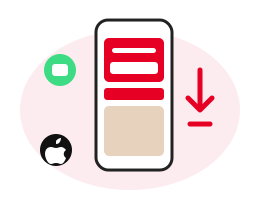
- Use it on Android, iPhone, iPad, Windows and Mac
Frequently Asked Questions
How do I download a video from Pinterest?
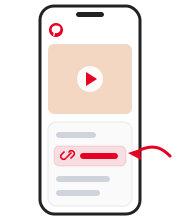
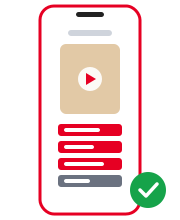
Copy the Pin link, paste it into the box at the top of this page, press Download and choose the MP4 quality you want.
Can I download Pinterest videos with sound?
Yes. The MP4 files include the audio track that Pinterest provides with the video.
Is there a watermark on downloaded videos?
SavePinNow does not add any watermark. You get the same file Pinterest stores.
Is SavePinNow free?
Yes, it is completely free with no limits and no registration.
Do I need to install an app or extension?
No. SavePinNow works in any web browser on phones, tablets and computers.
Where are downloaded files saved?
In your browser's default download location, usually the Downloads folder. On iPhone check Files > Downloads.
Does SavePinNow keep a copy of my downloads?
No. We do not host or store Pinterest media. Files come directly from Pinterest's CDN.